Polymarket Trading Strategy: How to Automate It
Combine outside data like weather forecasts or Binance prices with Polymarket order rules—then inspect the generated DSL before running it.
Explore a topic
A practical guide to Polymarket algo orders, from stop losses and take profits to trailing stops and grids.
8 stories
Combine outside data like weather forecasts or Binance prices with Polymarket order rules—then inspect the generated DSL before running it.
Compare Polymarket terminals by the work you need to do: follow related markets, inspect the order book, prepare orders on a chart, and manage supported exit instructions.
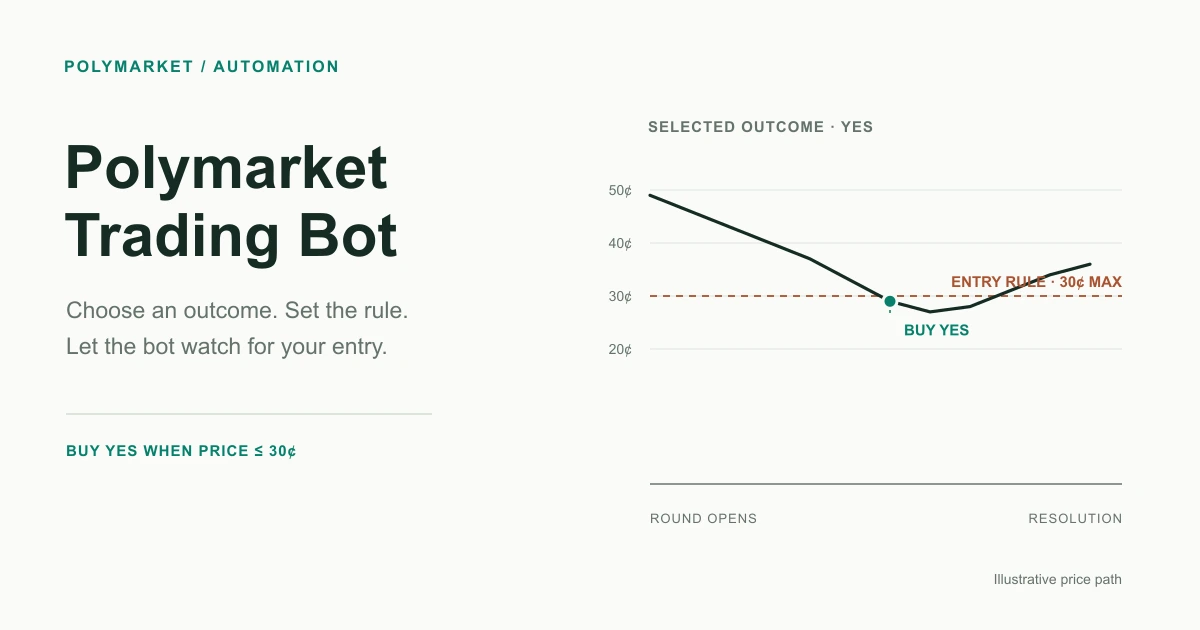
A Polymarket trading bot monitors markets and submits signed orders from predefined rules. Learn how the automation loop works, what you can automate, and where the real risks are.
Polymarket natively supports only limit orders. Here is a complete overview of algo order types — stop loss, take profit, trailing stop, grid, OCO, TWAP — and how to add them.
Set a downside exit in the HeyTraders Polymarket terminal. See the actual SL controls, choose a trigger and execution type, and review the order beside your chart.
A resting sell limit and a conditional take-profit trigger are not the same thing. See how to plan profit-taking with the HeyTraders Polymarket terminal's TP/SL controls.
Polymarket doesn't offer trailing stops natively. Here's how activation price and trailing delta work, and how to add a trailing stop with an automation tool like Hey-Traders.
Polymarket supports only limit and market orders natively. Here is how grid trading works, where it fits range-bound prediction prices, and how to set one up with Hey-Traders.